Turn your voice into beautifully styled text with AI. Record, choose a style, and share polished notes instantly.
Universal app for iPhone, iPad, and Mac.

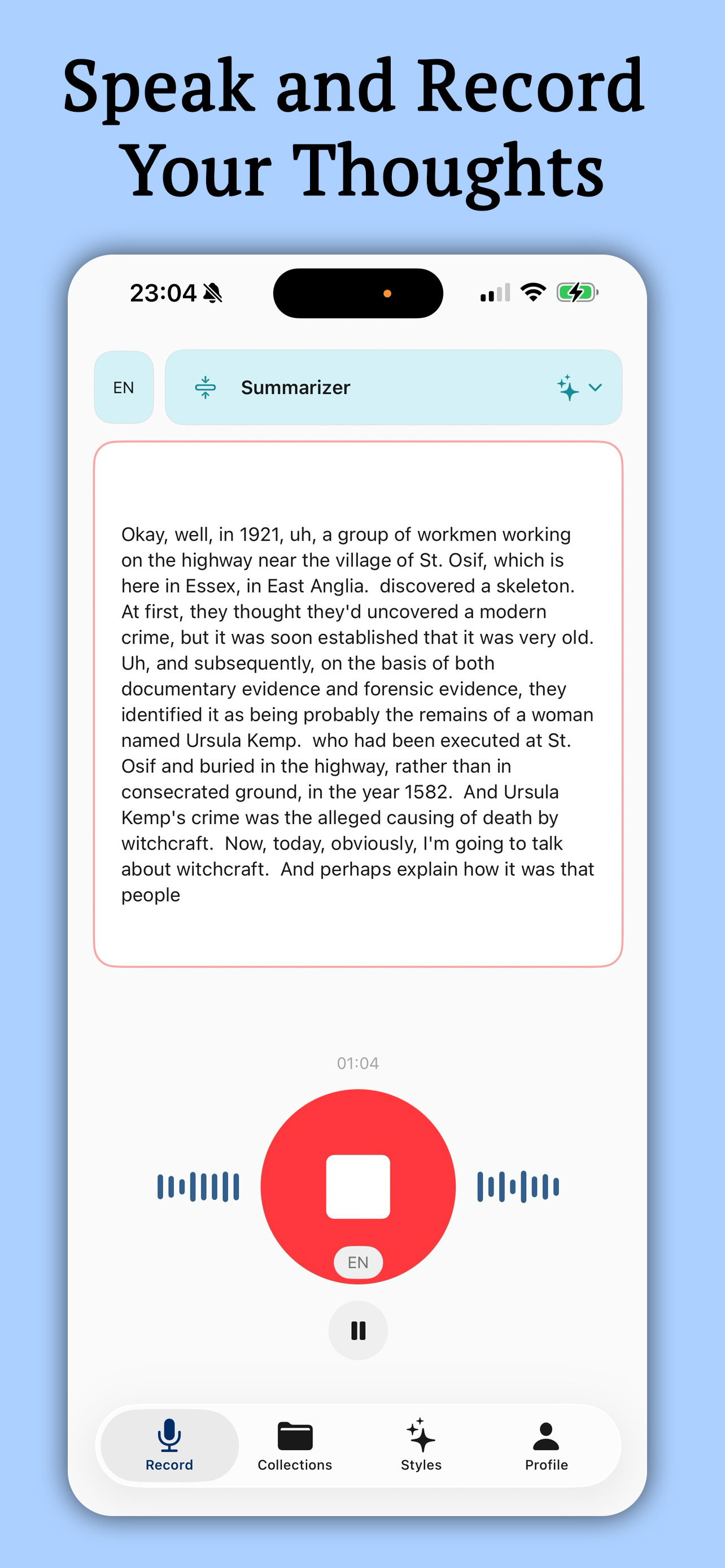
Just tap and talk. StyleNote captures your voice in real time and transcribes it on-device. Record lectures, brainstorms, meetings, or quick ideas — up to 45 minutes at a time.
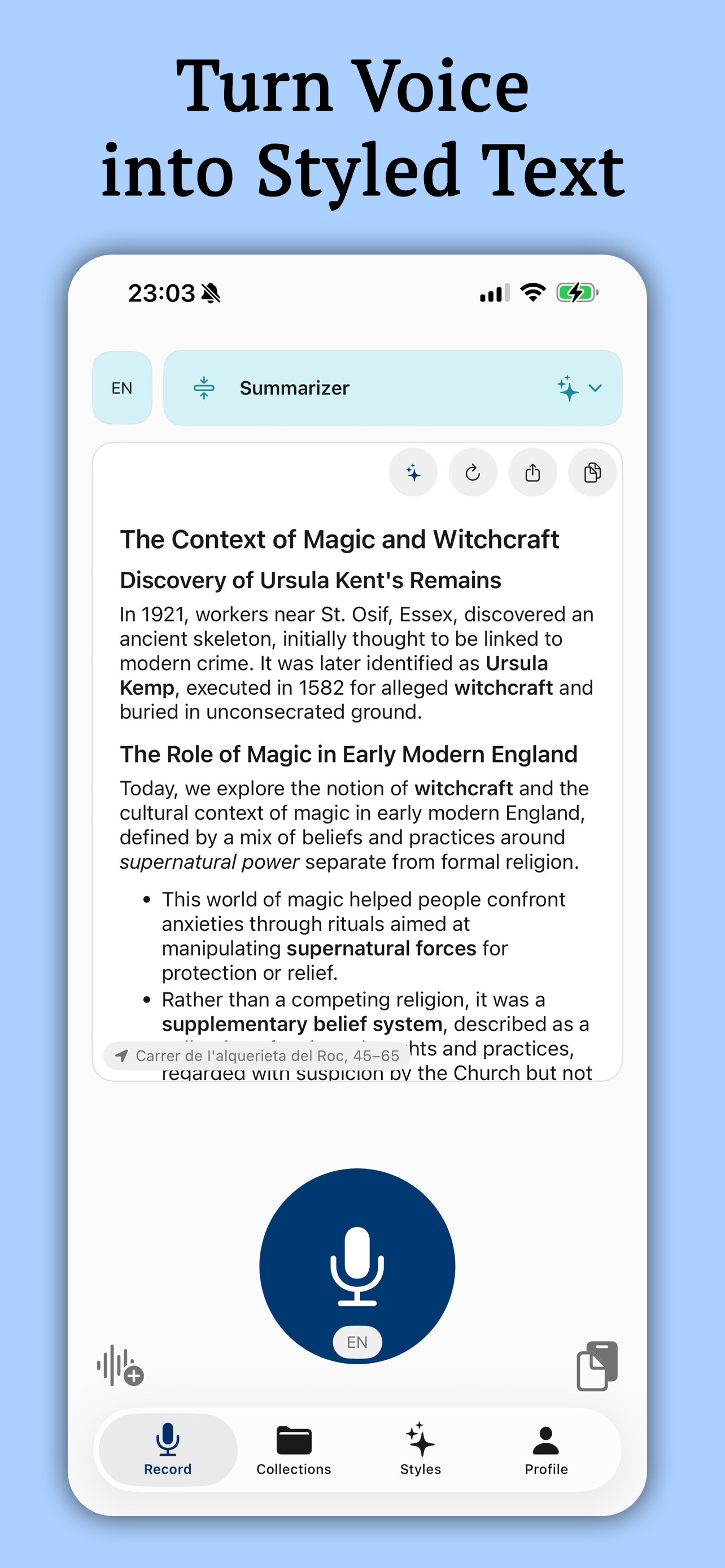
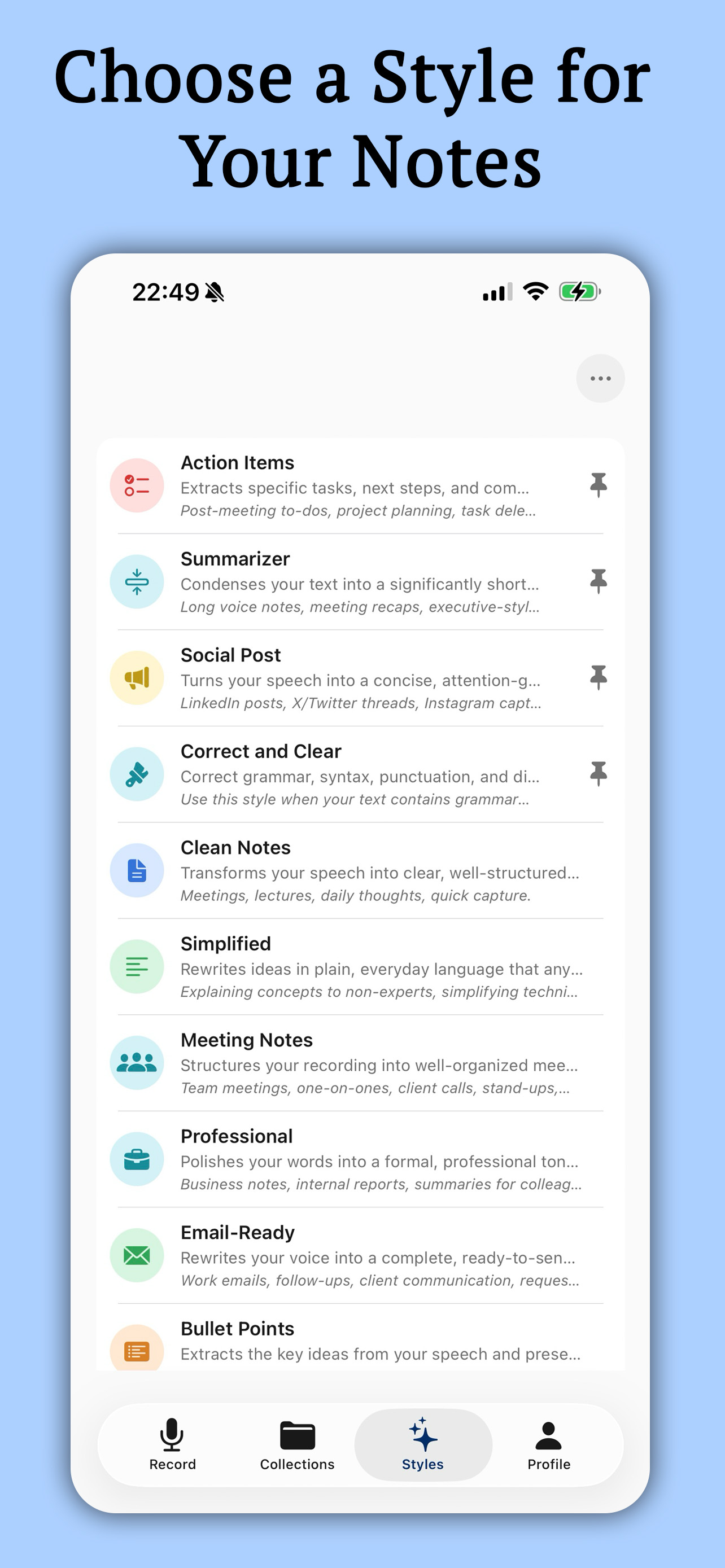
AI transforms your raw speech into polished, structured text. Choose from styles like Summarizer, Professional, Email-Ready, Bullet Points, and more — your words, beautifully rewritten.
From Clean Notes and Meeting Notes to Social Posts and Academic — pick the perfect tone for any context. Each style reshapes your text to fit the situation.
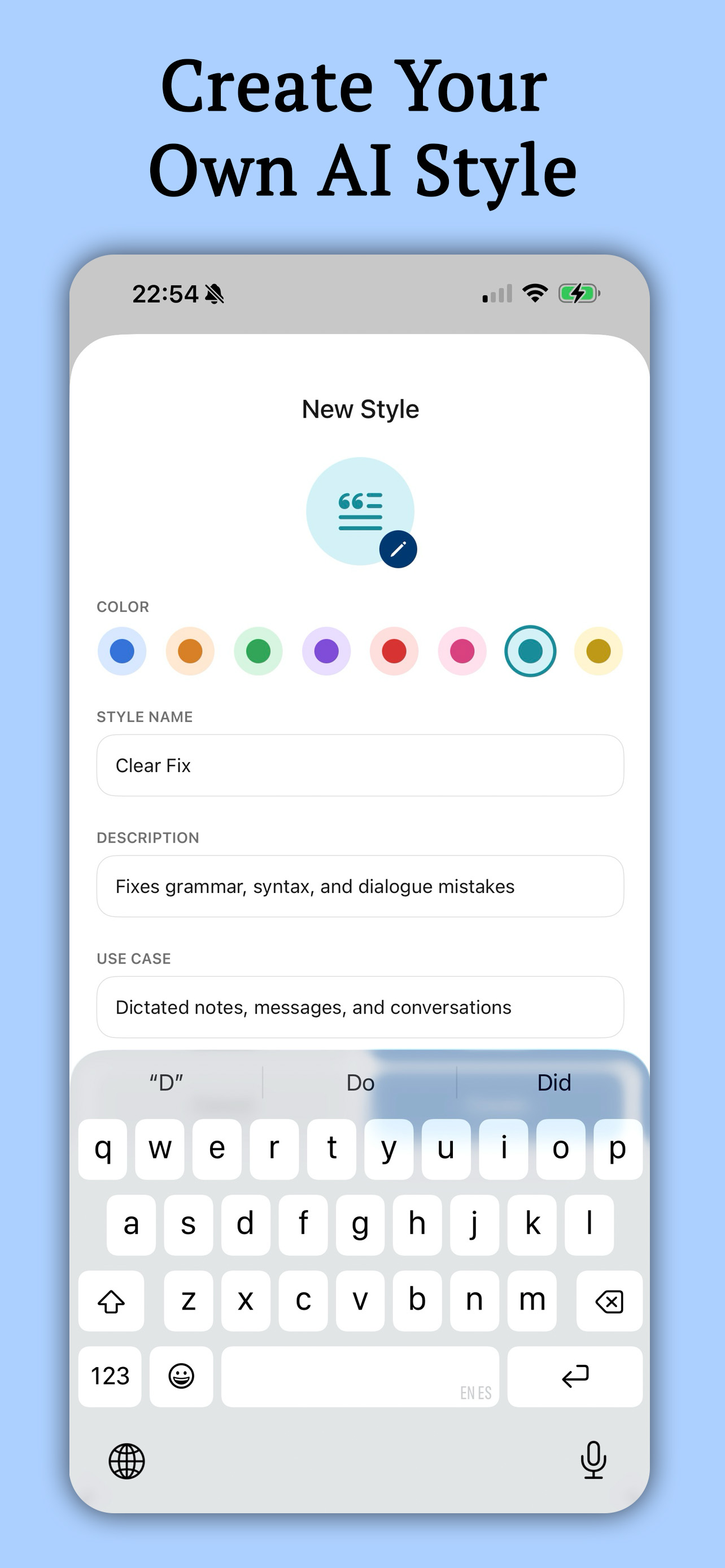
Define custom styles with your own name, description, use case, icon, and color. Build styles like Syntax Correction, Meeting Minutes, or Proofread — your workflow, your way.
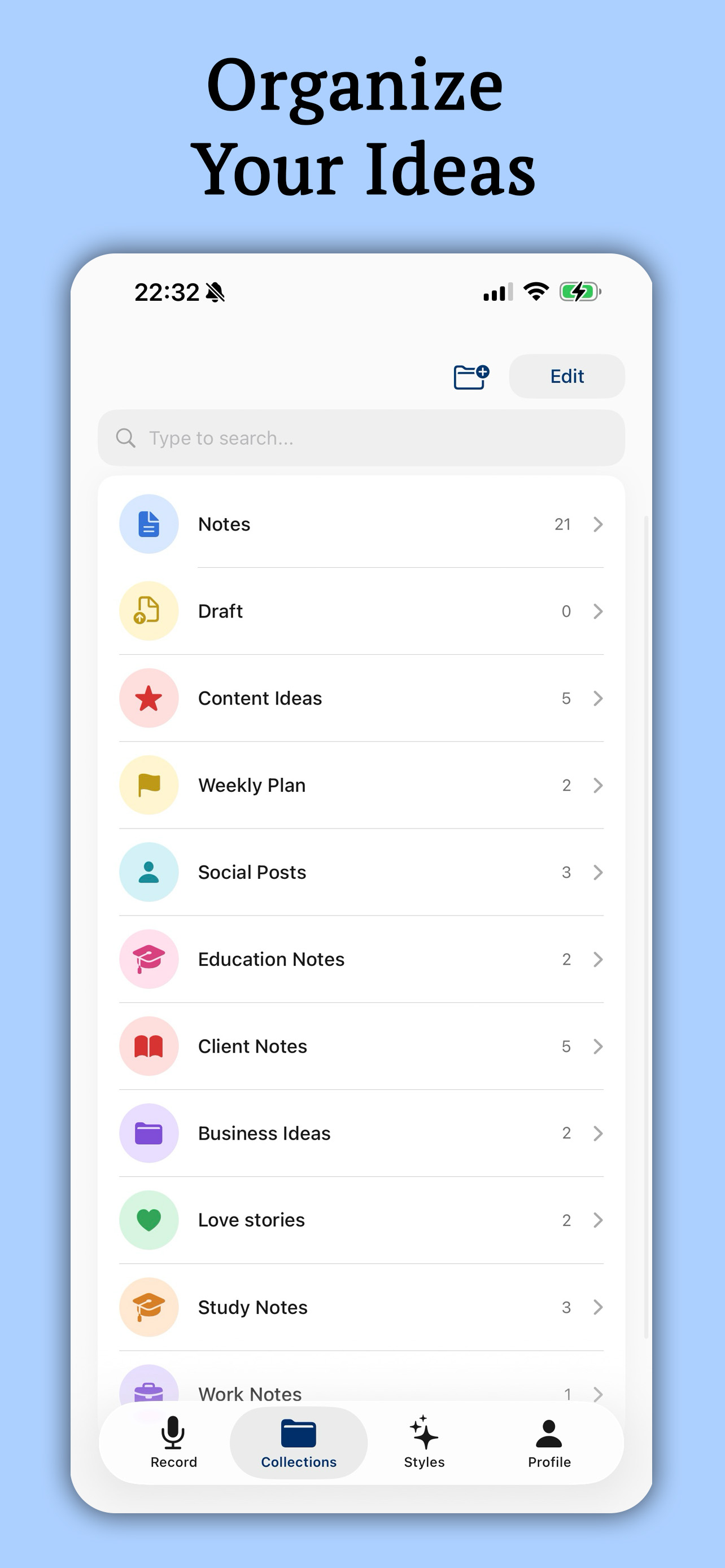
Create custom collections for Work, Ideas, Personal, and more. Search across all your notes and find anything instantly. Keep your thoughts structured and accessible.
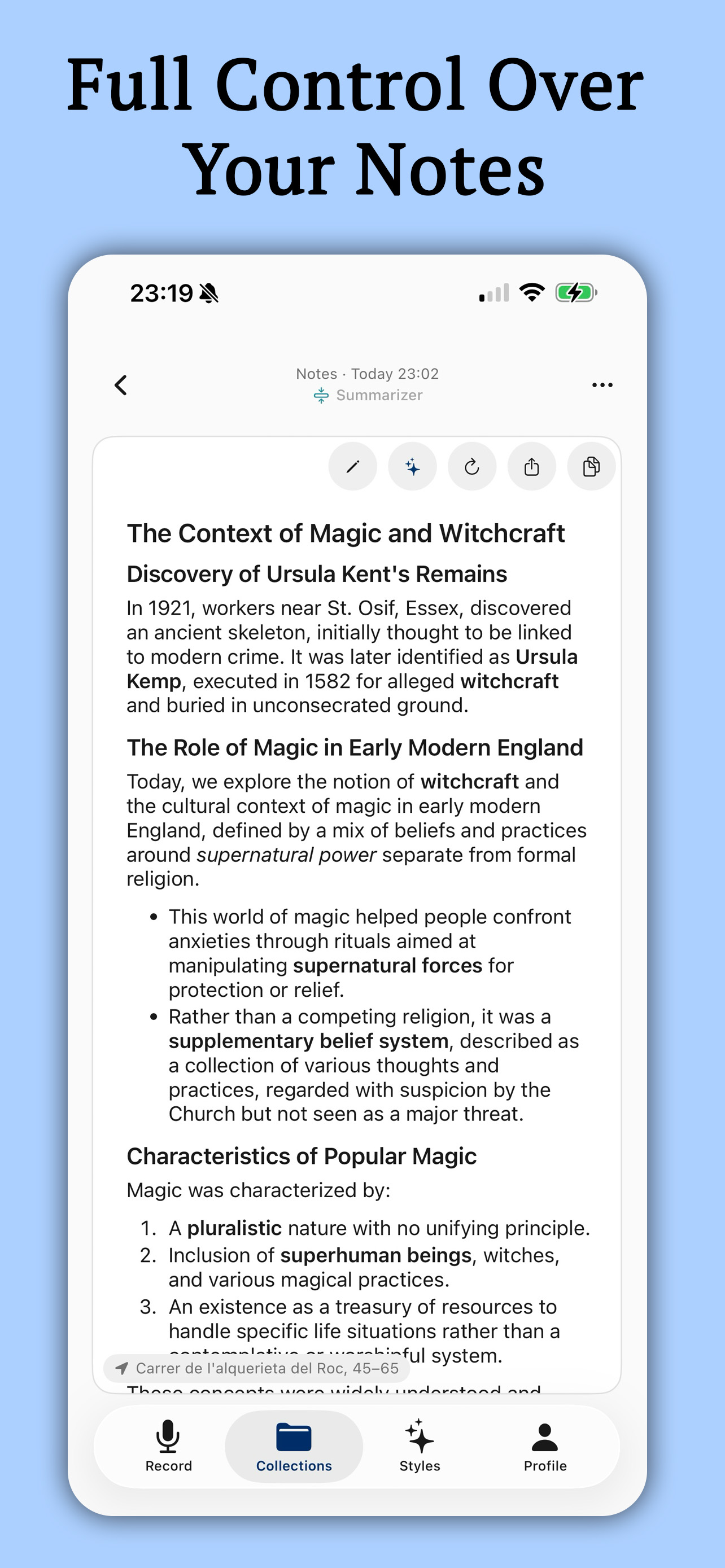
Edit, restyle, copy, or share any note. Switch between styles, adjust AI intensity from Light to Strong, and fine-tune until your text is exactly right.
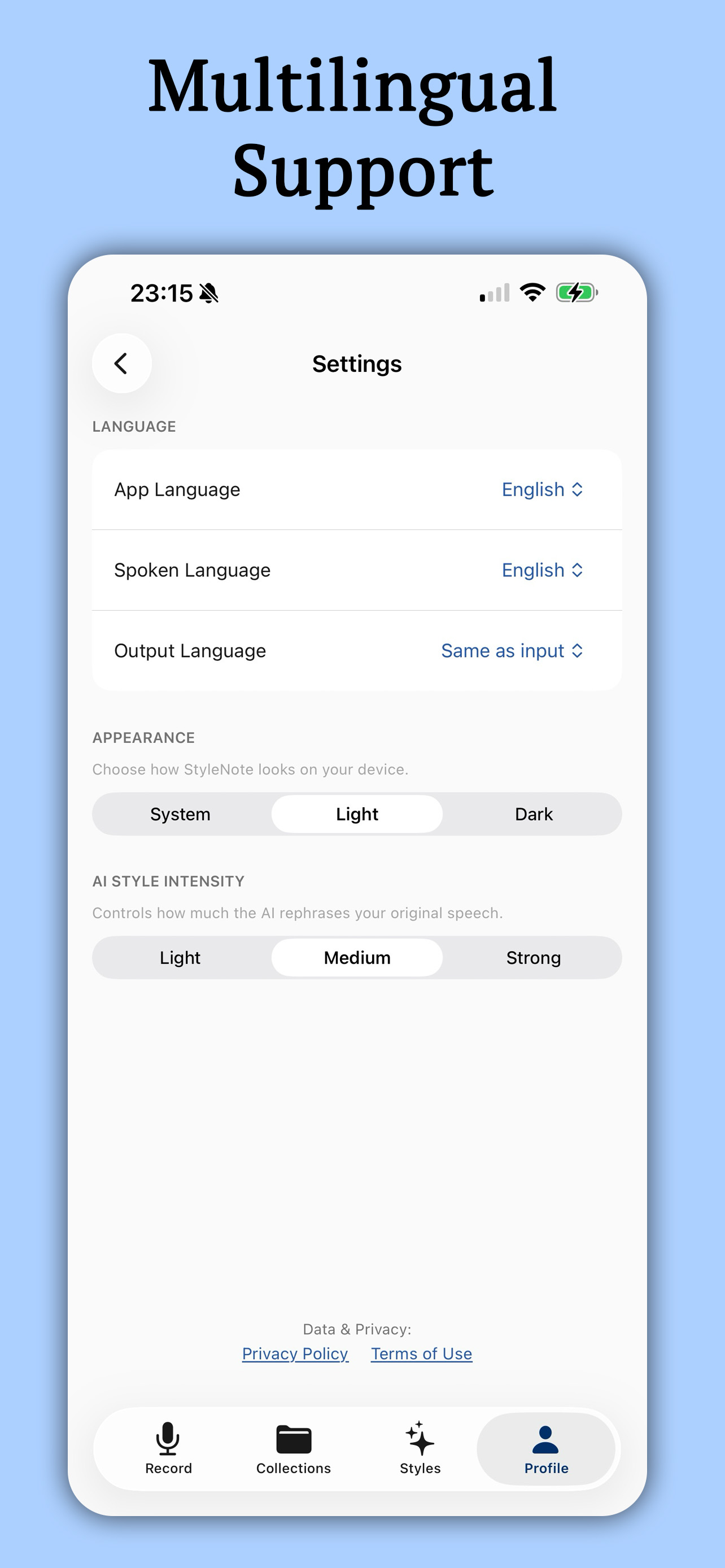
Speak in English, Spanish, German, French, Italian, Portuguese, Japanese, Korean, or Chinese. Set different input and output languages for cross-language styling. The app interface is also available in all supported languages.
Your data stays on your device. Audio is processed locally, notes sync via iCloud, and we never sell or share your information.
Voice recordings are transcribed locally and never leave your device.
Notes sync securely through iCloud and are restored when you reinstall.
We never sell, rent, or share your personal information with third parties.
Download StyleNote AI for iPhone, iPad, and Mac — turn your words into polished, styled text in seconds.